General
HazCheckin Intelligence: the assistant that runs your properties, and nothing is saved without your approval
Ask in your own language to create a booking, reply to a review or tell you what needs your attention. Intelligence prepares the action and you confirm it. What it does, how it protects data and which plans include it.
HazCheckin Team
HazCheckin
Running holiday rentals is a steady drip of small jobs. Marking a booking as completed, resending a check-in link the guest can’t find, answering a two-star review, noticing that one flat’s police reports aren’t going out because the credentials are missing. None of it is hard. All of it together eats the morning.
HazCheckin Intelligence is the artificial intelligence layer of HazCheckin. It does two things: an assistant that acts when you ask it to, and alerts that watch your properties, arrivals and reviews before something goes wrong.
And one rule that isn’t up for debate: nothing is saved without your approval.
Ask it the way you’d ask your team
Intelligence is on every screen of the dashboard: open it with the Intelligence button in the header or with ⌘K (Ctrl+K on Windows). It knows what you’re looking at, so inside a booking, “this booking” means that one.
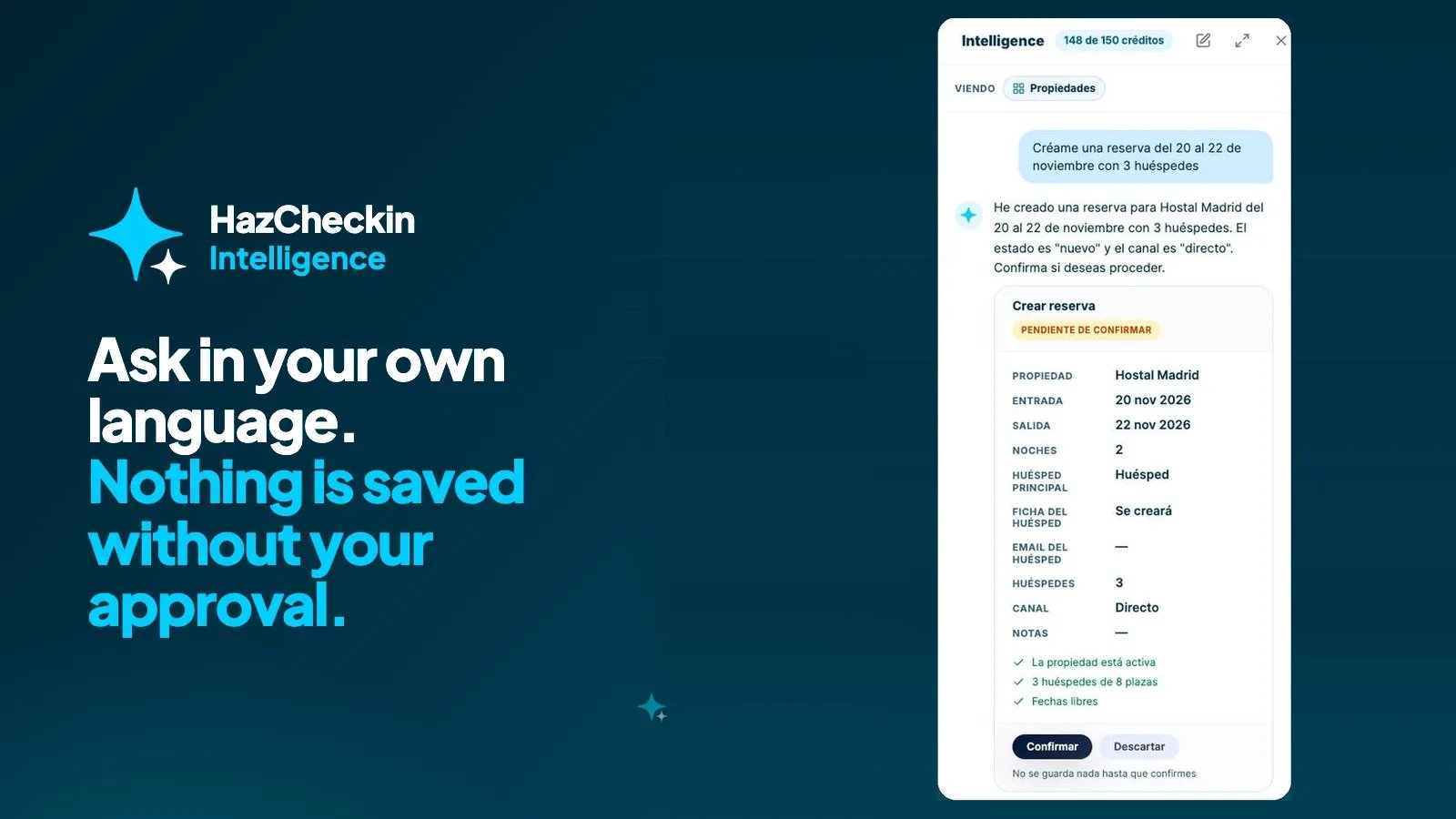
Write in English, Spanish, Catalan or Italian, the way you speak. “Mark Laura’s booking as completed.” “Create a booking from 20 to 22 November for 3 guests.” “Reply to Laura Méndez’s review.” “What needs my attention today?”
You don’t need to look up IDs or type dates in any format. Intelligence understands “from 12 to 15 October”, finds the booking by the guest’s name or its 8-character reference, and recognises the property even if you don’t write its exact name.
When what you ask changes data, the assistant doesn’t do it: it proposes it on a card with what will change and the checks it has run, such as the dates being free, the guests fitting the capacity or the property being active. You confirm with one click or discard it. If you confirm by mistake, it can be undone.
What it can do today:
- Bookings: create them, change dates, guests or status, and cancel them.
- Properties: update the listing and draft the description from the property’s real details.
- Check-in: resend the link to the guest, save the email or phone missing from a booking imported from Airbnb or Booking.com, and change when the automatic check-in is sent.
- Reviews: draft the reply in the guest’s language for you to review before publishing.
- Questions: this week’s arrivals without check-in, pending bookings, unanswered reviews, a summary of your properties. Answers come as cards, not paragraphs to read.
It also answers basic setup questions, such as how many properties to add or where to add them. For an incident or an error, it points you to the Support section, where the team helps you.
Alerts: what’s worth checking, before anyone asks
The other half of Intelligence doesn’t wait for you to ask. Every hour it reviews your data and leaves a list in Needs your attention, sorted by urgency.
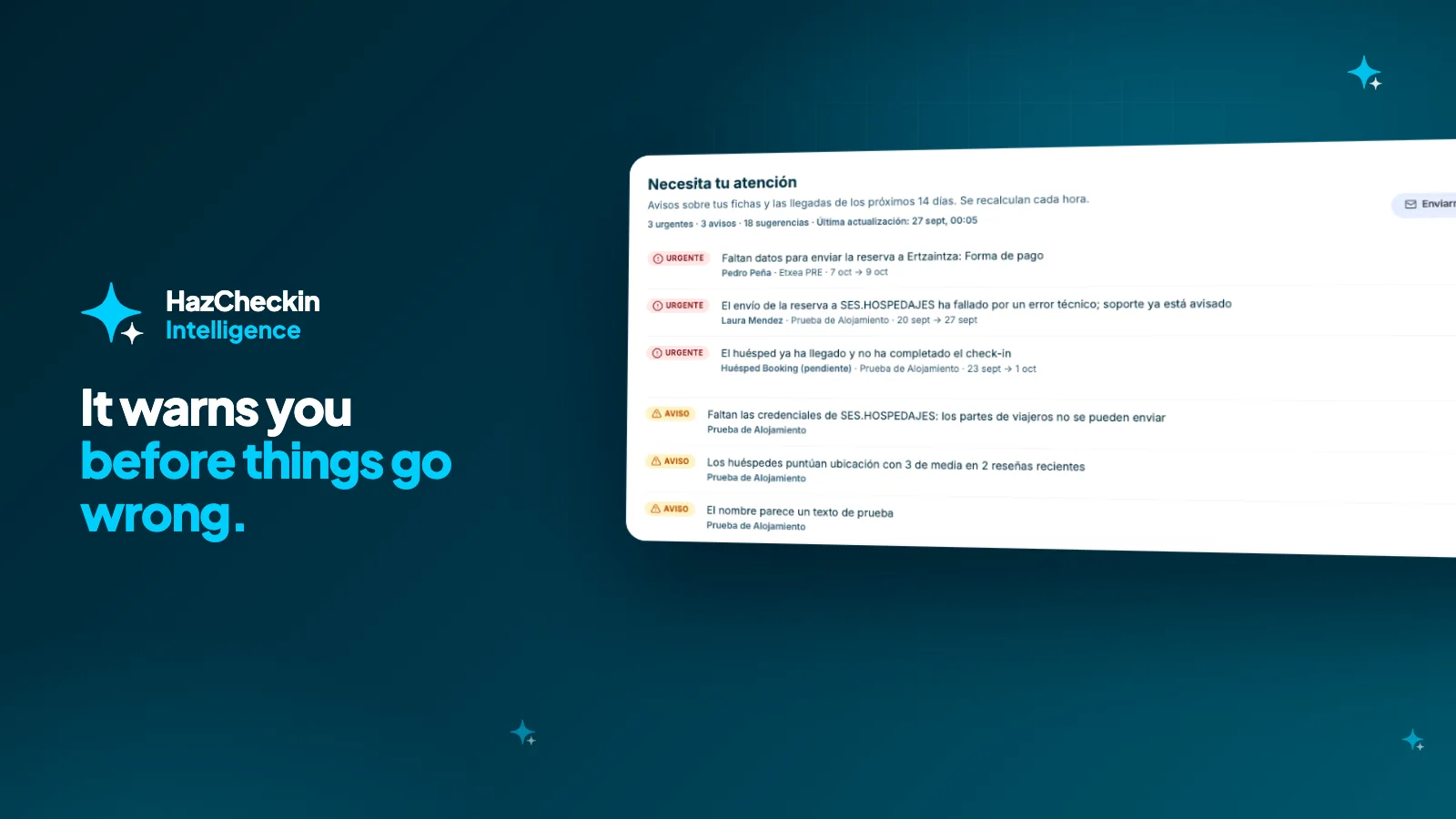
- Arrivals: check-ins not completed 48 and 24 hours before arrival, bookings with more guests than beds, submissions to SES.HOSPEDAJES, Mossos, Ertzaintza or Alloggiati that failed or are missing data, and guest notes that hint at a party or commercial use.
- Listings: police credentials not set up, amenities the description mentions but aren’t ticked, capacity that doesn’t match the bedrooms, test names or descriptions too thin to sell.
- Reviews: which ones need a reply, what guests complain about (noise, cleanliness, arrival, communication) and which guest wouldn’t recommend you.
Each alert comes with its one-click fix when there is one: resend the link, draft the reply, tick the amenity. Open it, check the card and confirm.
Your guests’ reviews, read by Intelligence
Each property’s reviews page tells you at a glance what share of guests would recommend it, your strongest point and what to improve, based on the ratings per aspect: cleanliness, communication, arrival, location, accuracy and value.
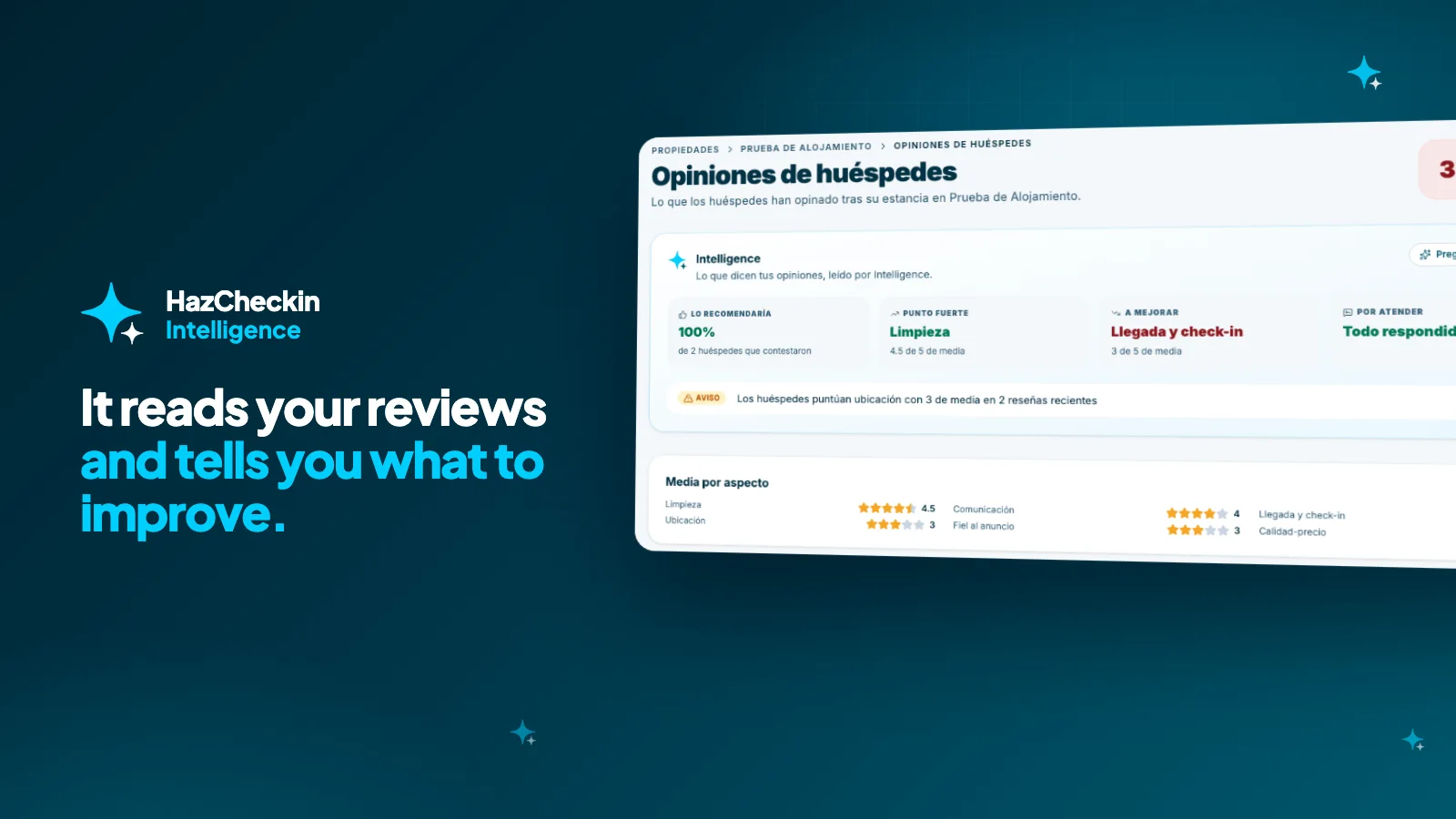
On each review you’ll see the topics it detects and whether it’s worth replying, plus a button to draft the reply in the guest’s language. You polish it and publish it.
Your week in review, every Monday
If you’d rather not open the dashboard to see how the week looks, every Monday at 8 am you get an email with what’s urgent, the next days’ arrivals and the unanswered reviews, with a direct link to each.
In the app too
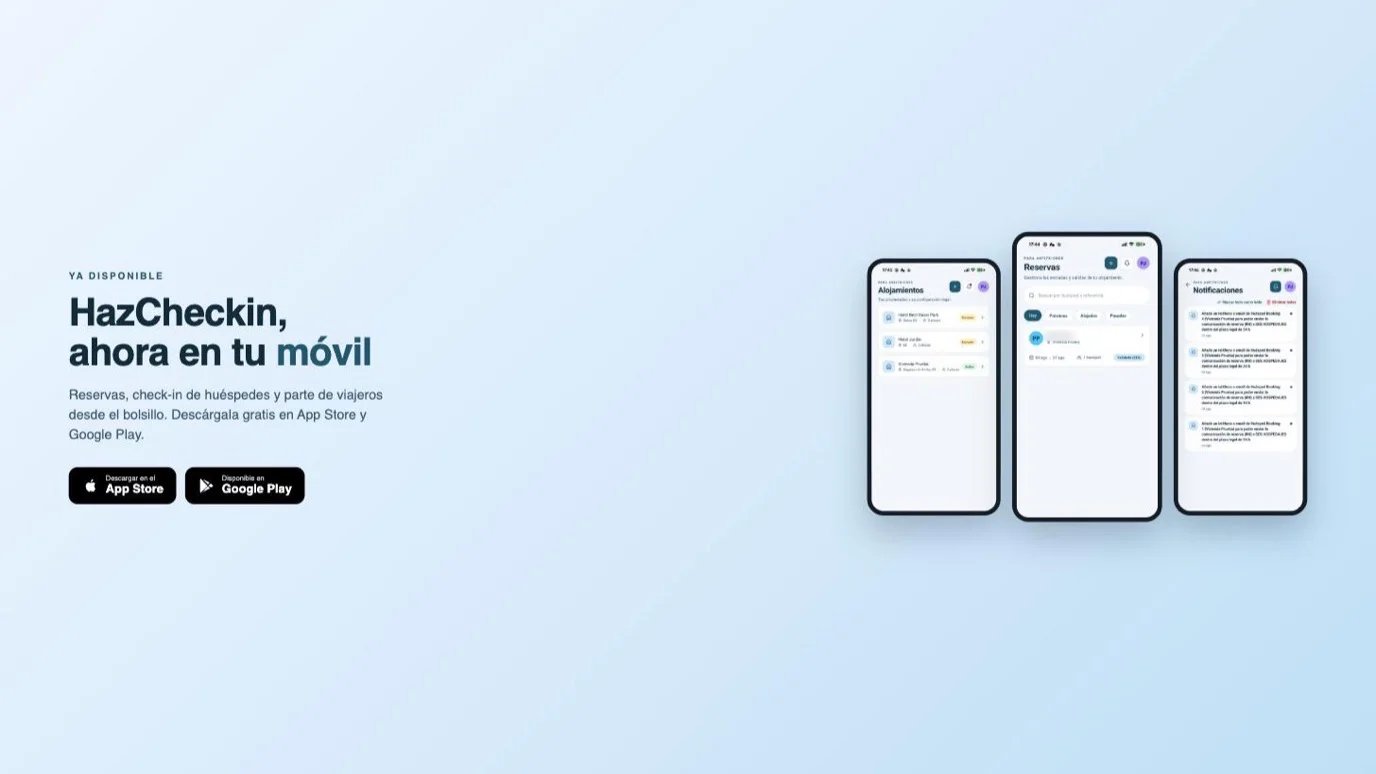
The assistant and the alerts are also in the HazCheckin app for iPhone and Android, from each booking and property.
How we protect your guests’ data
An AI assistant inside a check-in product has to be especially careful. These are the rules:
- No documents, selfies or signatures go through any model. Intelligence works with the text of your listings, bookings, notes and reviews.
- The assistant doesn’t read your guests’ emails or phone numbers: it only knows whether a booking has contact details or not.
- Text in a review or a note that looks like an instruction is treated as data, never as an order.
- Everything is logged: every proposal, confirmation, discard and undo appears in the Action log, with who did it and when.
Which plans include it
Intelligence is included in the Professional and Enterprise plans with 150 credits a month, and during the 15-day trial you can use it with your real data. Each message to the assistant uses one credit; confirming or undoing an action, the alerts and the weekly summary are free. Credits renew every month.
If you use it every day, add “+ Intelligence” to your plan for €20 more a month and get 3,000 credits. You can see how many you have left in the assistant itself and in Settings → Billing & Plans.
If you already have a Professional or Enterprise plan, open it now with ⌘K and start with the most useful question: what needs my attention today?