Is it legal to ask a guest for a selfie?
Yes, with their explicit consent and the safeguards the GDPR requires for biometric data. HazCheckin asks for that consent before starting and only uses the selfie to verify identity.
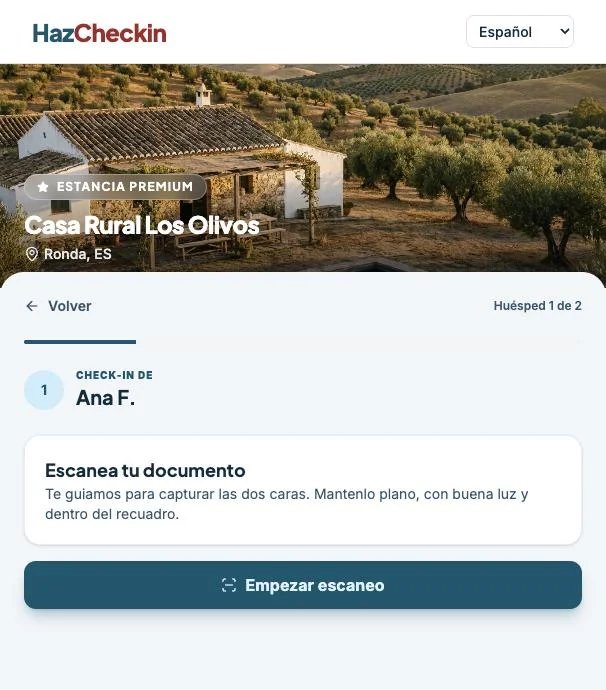
The guest scans their ID and takes a selfie on their phone. HazCheckin checks there is a real person in front of the camera and that it matches the document, before they arrive.
A scanned document proves the document exists, not that whoever sends it is its holder.
A real ID, but not the booker's. Without comparing faces, there is no way to tell.
A swapped photo or edited details that slip through in a compressed image.
Holding up a screen or a printed photo of someone else's face to the camera.
Three steps inside the same online check-in, in the phone's browser, with nothing to install.
The guest photographs their ID card or passport and the details are read from the document itself. Nobody types them, so they can't be made up.
The system checks there is a real person in front of the camera, not a printed photo, a screen or a video.
The selfie is compared with the photo on the document. If they don't match, you see it on the booking before arrival.
With the same verified data, HazCheckin submits the guest report to the authorities.
A face image used to verify identity is biometric data, a special category under the GDPR. That's why it is handled with explicit consent and safeguards.
Before starting, the guest sees what their document and face are used for and ticks a box to accept it (Art. 9(2)(a) GDPR).
The selfie is only used to check that the document holder is the person checking in.
Face matching is processed on servers in the European Union.
Documents and selfies are deleted automatically when the retention period ends.
Face verification is optional per property, and guests who don't want to take a selfie can identify themselves in person on arrival.
Yes, with their explicit consent and the safeguards the GDPR requires for biometric data. HazCheckin asks for that consent before starting and only uses the selfie to verify identity.
No. Check-in opens in the phone's browser from the booking link, and the scan and selfie happen right there.
The booking is flagged in the dashboard so you can review it before arrival. You decide what to do: contact the guest or check their identity in person.
No. Keeping ID photocopies at reception is a practice the Spanish data protection authority has fined. Here the details are read from the document, verification happens with consent and files are deleted automatically when the retention period ends.
National ID cards (DNI, NIE) and passports, the same ones used for the guest report.
Turn on identity verification for your properties and get guest report data already checked.
Start free
We comply with the European Union's General Data Protection Regulation (GDPR). Your data — and your guests' data — stays safe.